LumoraStudio
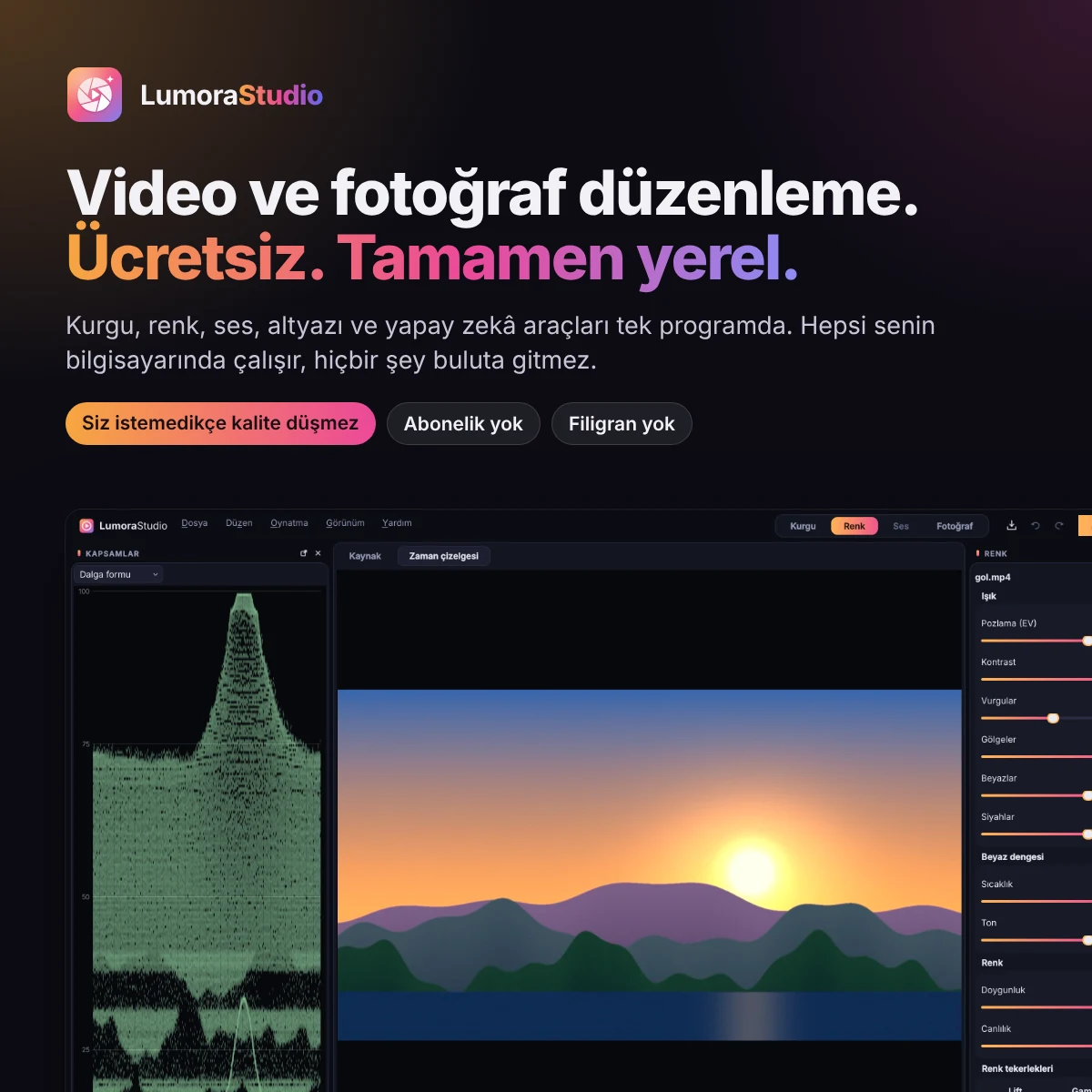
A fully local video and photo editor that never loses quality unless you ask it to.
Details
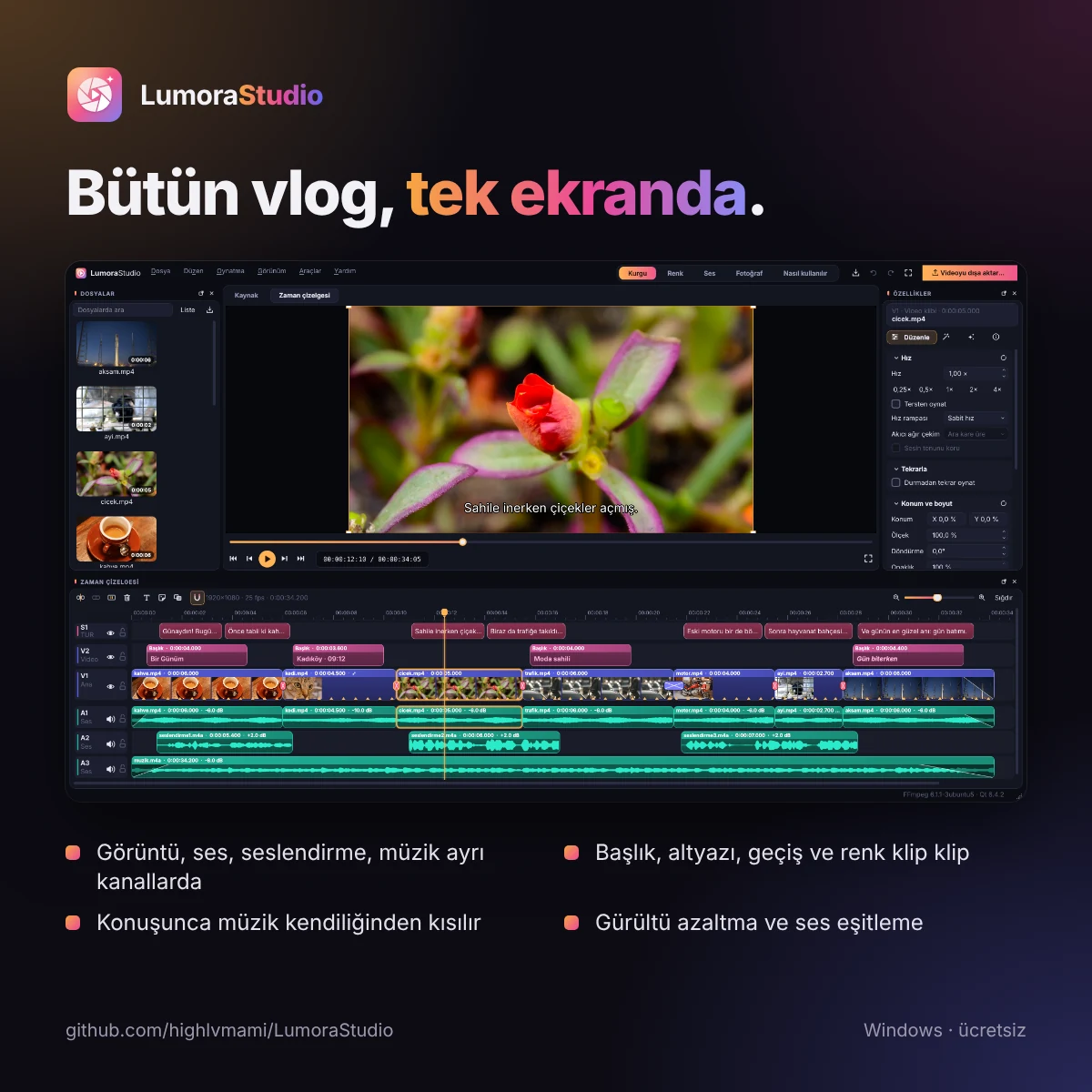
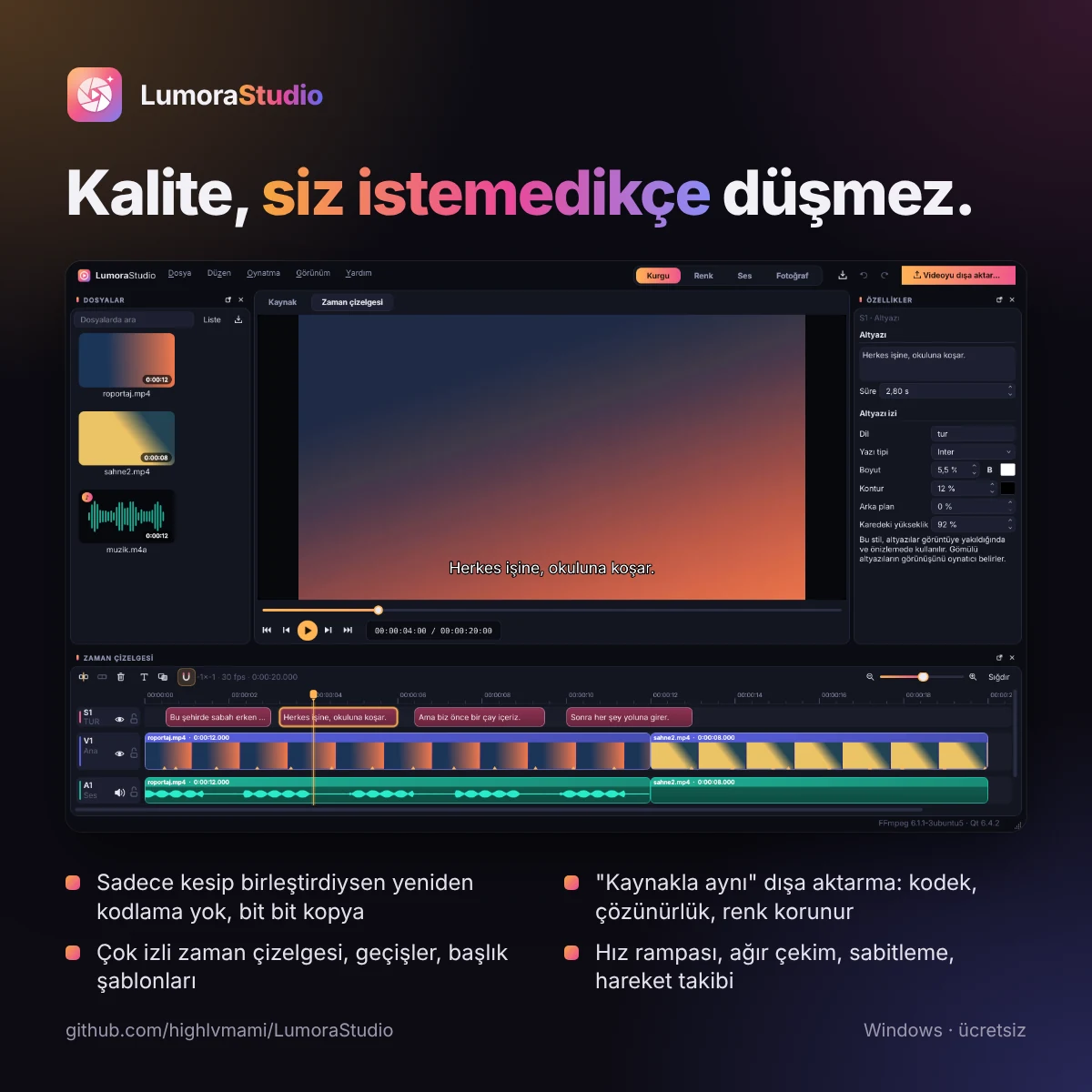
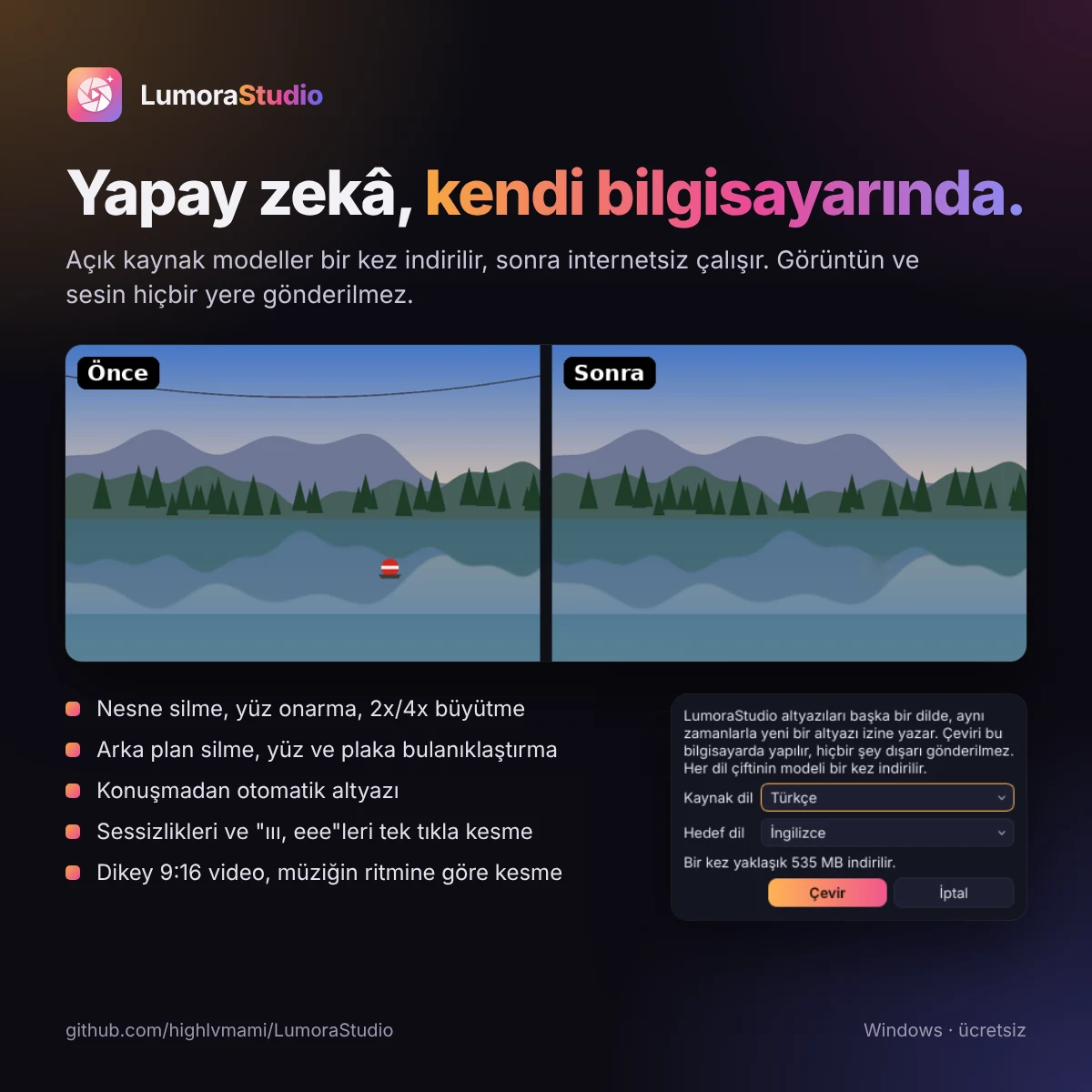
Edit, color, audio and photo workspaces in one window. If you only cut and join, the video is not re-encoded and packets are copied bit for bit; when re-encoding is needed, the "same as source" option takes the codec, resolution, frame rate, color and bitrate from the source. Photos are never written over: adjustments are computed in 32-bit floating point and saved losslessly. AI tools such as automatic subtitles, subtitle translation, face and license plate blurring and background removal also run on your computer; no image is sent anywhere. It ships as a ready-to-run Windows package and updates itself from GitHub Releases. Still at version 0.x and in active development.
Highlights
- Lossless cutting: export without re-encoding
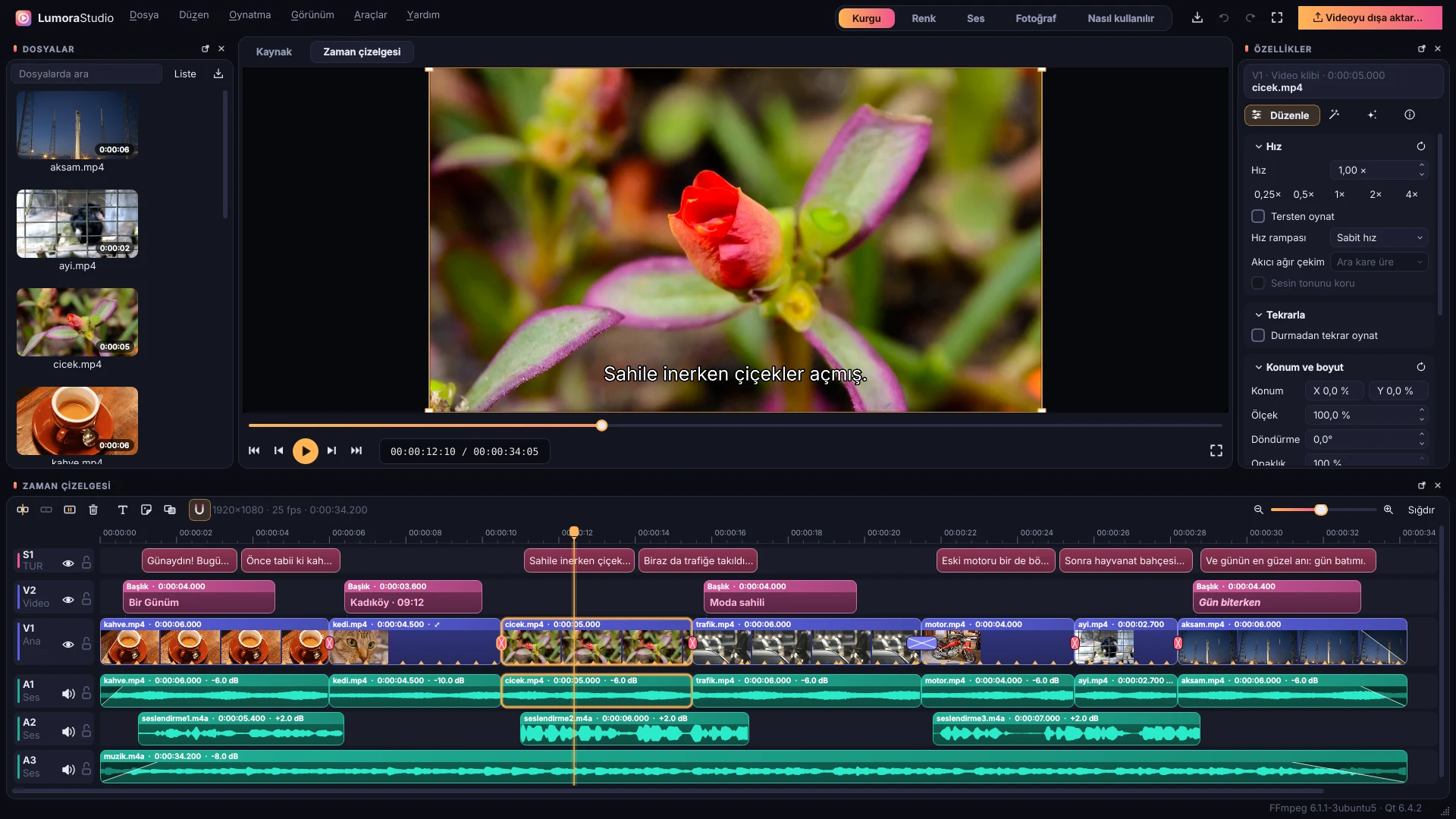
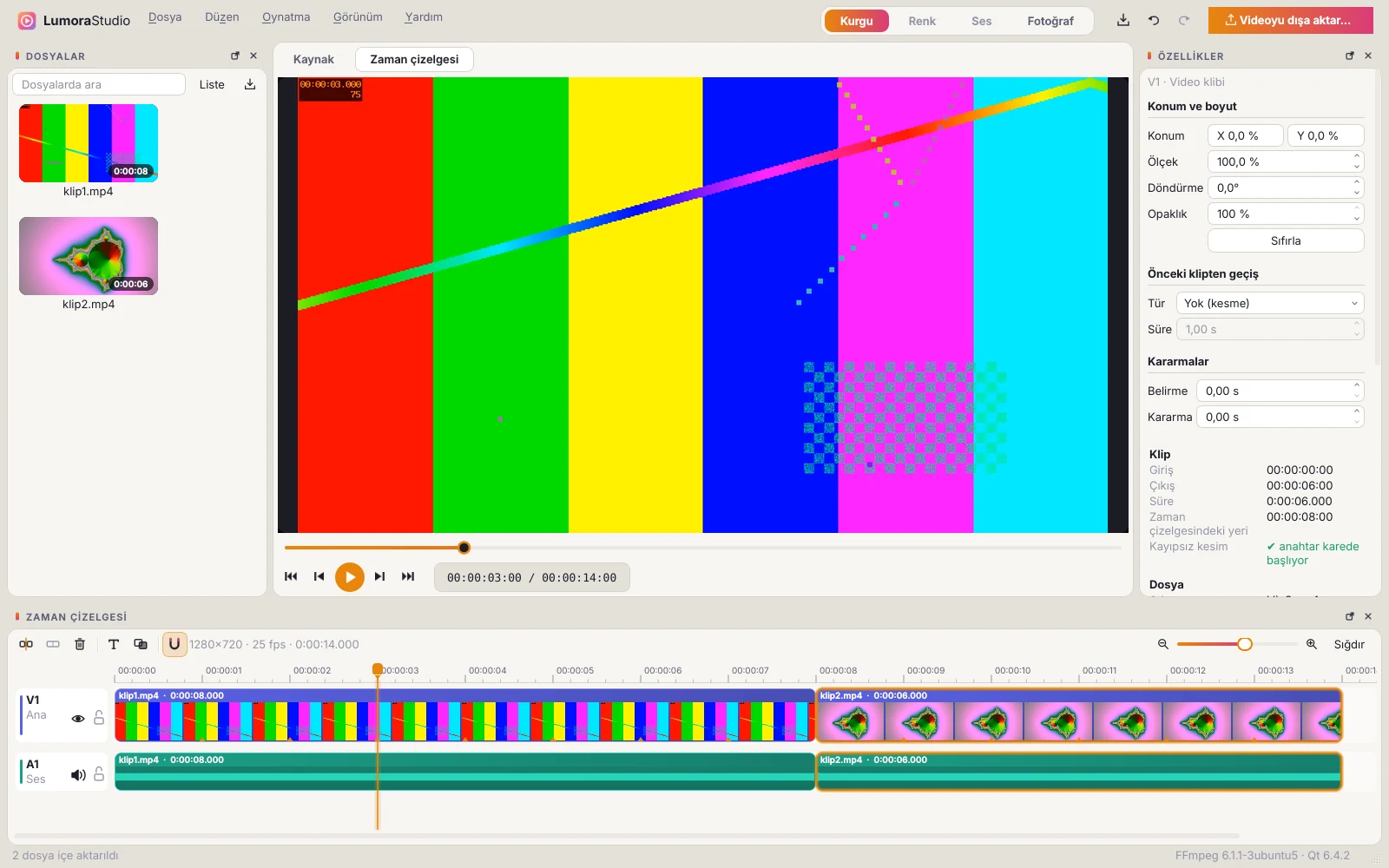
- Multi-track timeline, transitions, title templates and stickers
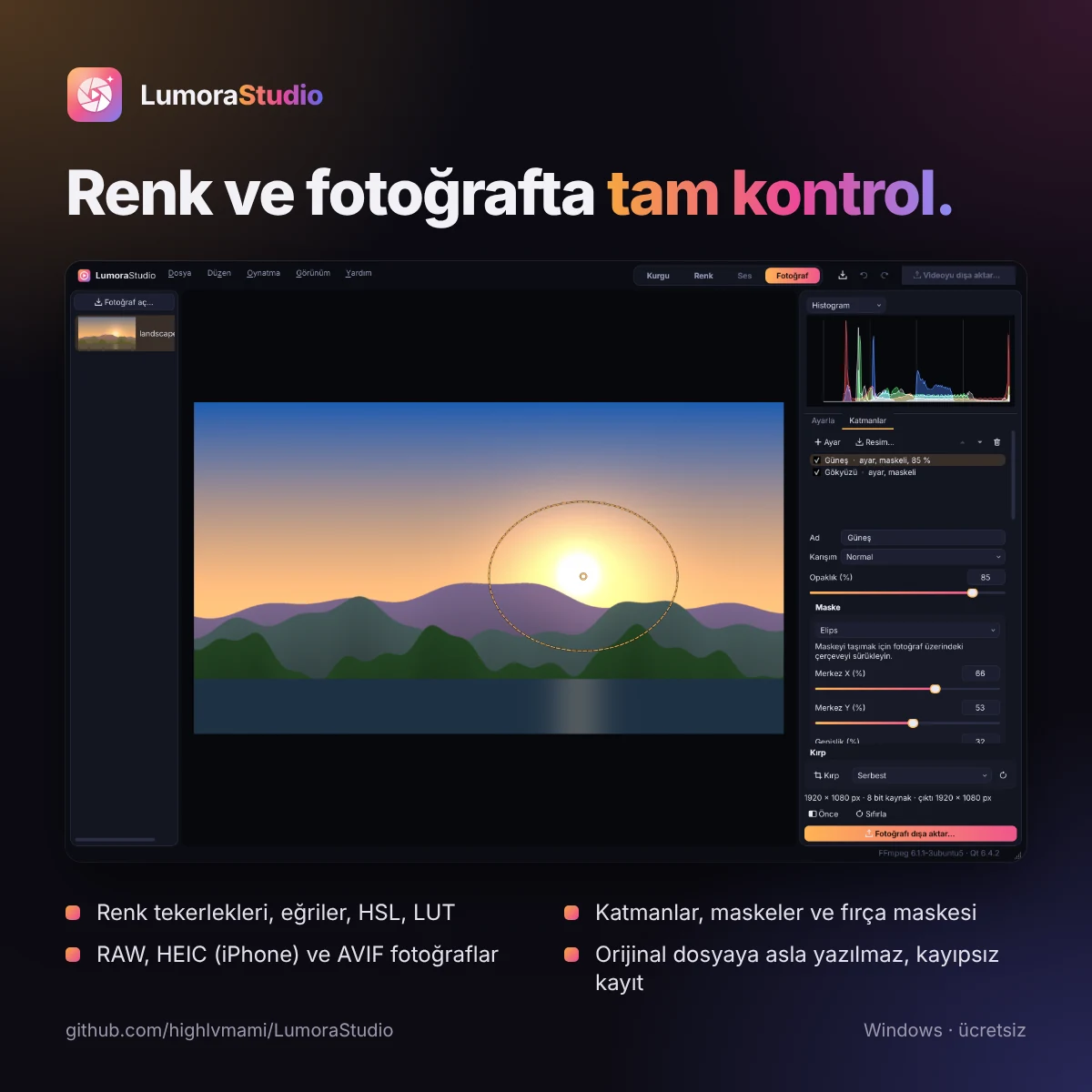
- Color workspace: curves, HSL, color wheels, LUTs and scopes
- Photo: layers, masks, RAW and iPhone (HEIC) support
- Speed ramps, reverse playback and smooth slow motion with optical flow
- Video stabilization and motion tracking
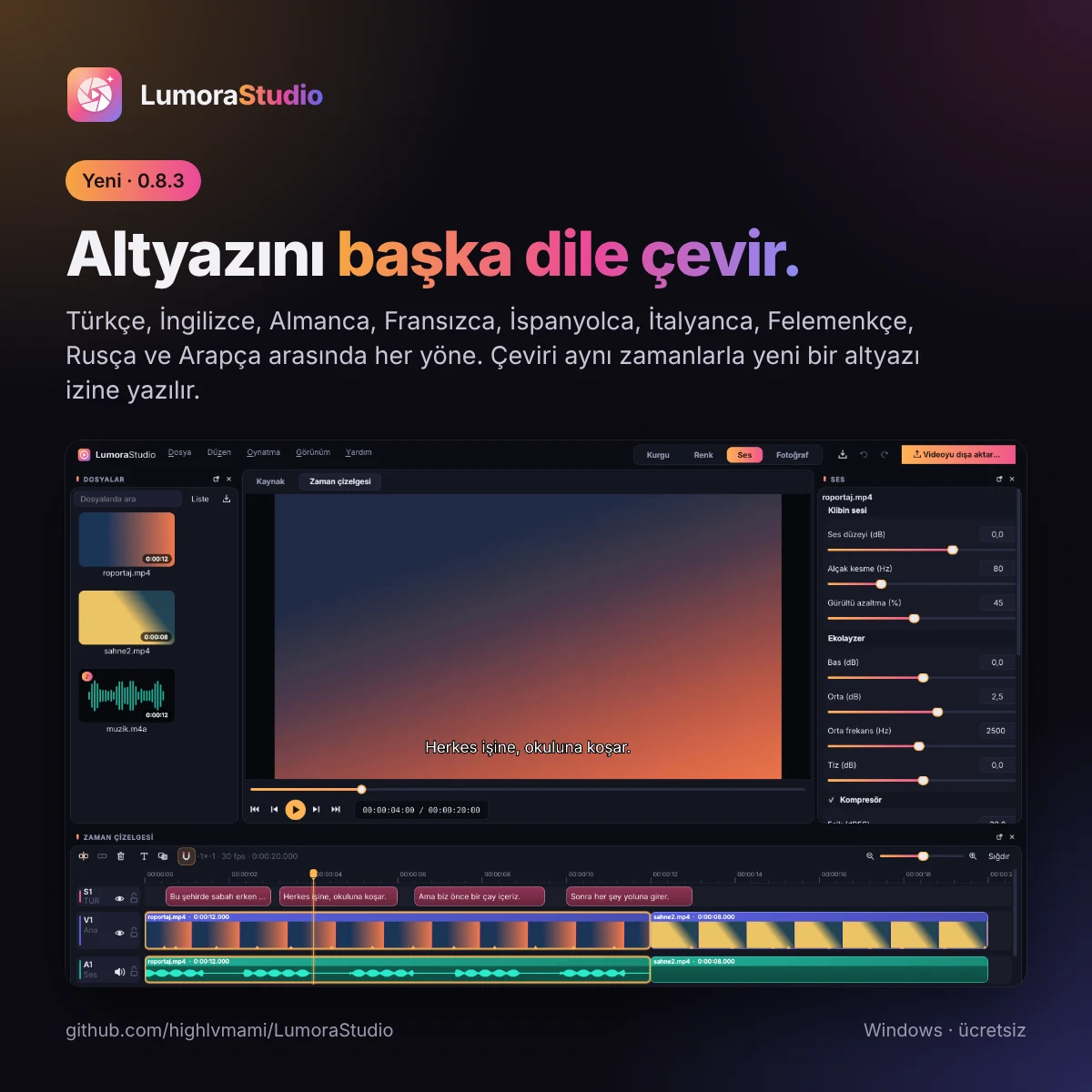
- Automatic subtitles and local subtitle translation between 9 languages
- Face and license plate blurring, one-click background removal
- Screen recording, voice-over, GIF and batch photo processing
- Turkish and English UI, light and dark themes, built-in guide on F1
Screenshots