Live Tool
LumoraGo
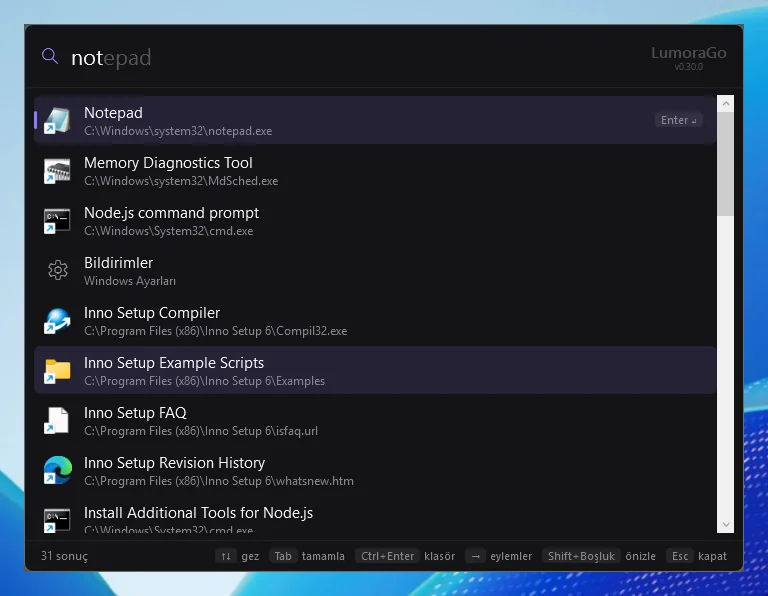
A Spotlight / Raycast style launcher for Windows. Press Alt+Space, type, hit Enter.
Details
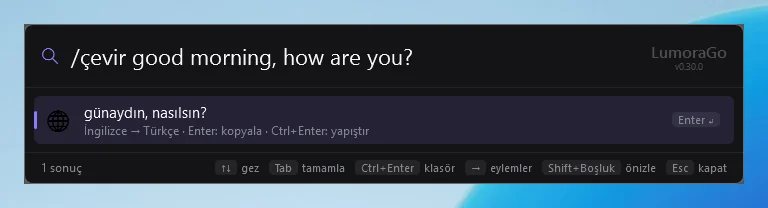
Alt+Space opens a search bar in the middle of the screen. Type an app name to launch it or use /f to find a file; type 2+3*4 to calculate or 100 usd tl to convert currency. Slash commands bring weather, news, prayer times, translation, system status, Gmail, your calendar and Spotify into the same line, and a question starting with ? is answered by AI. Search runs on your computer, and passwords and account details are kept in an encrypted file tied to your Windows account. It installs with a setup file and updates itself, and you can write your own plugins.
Highlights
- Search apps, files, settings and bookmarks, with completion as you type
- Calculator, currency and unit conversion
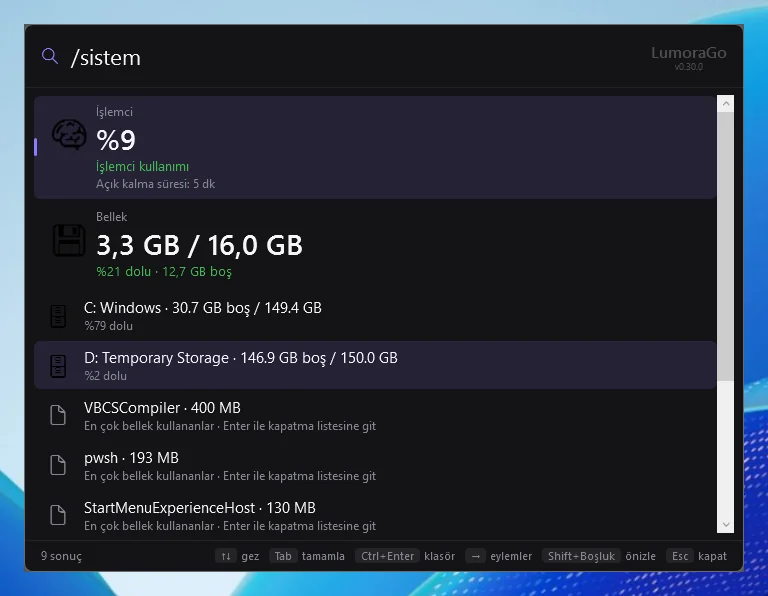
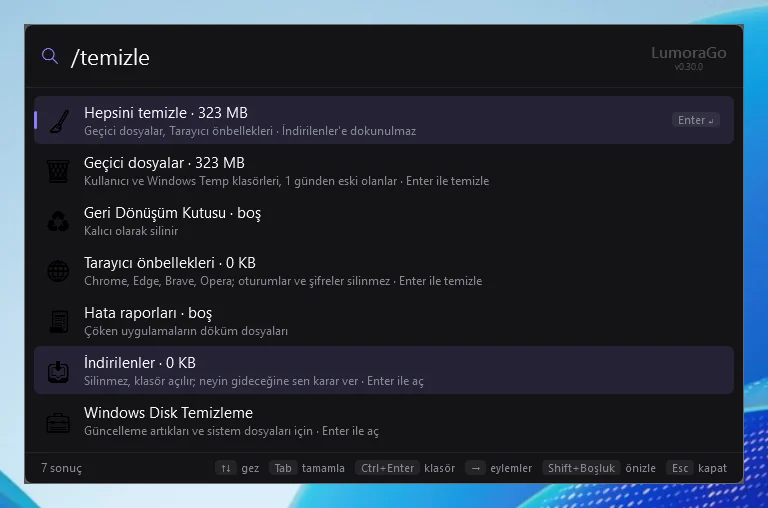
- /sistem shows CPU, memory, disk and battery; /temizle clears junk files
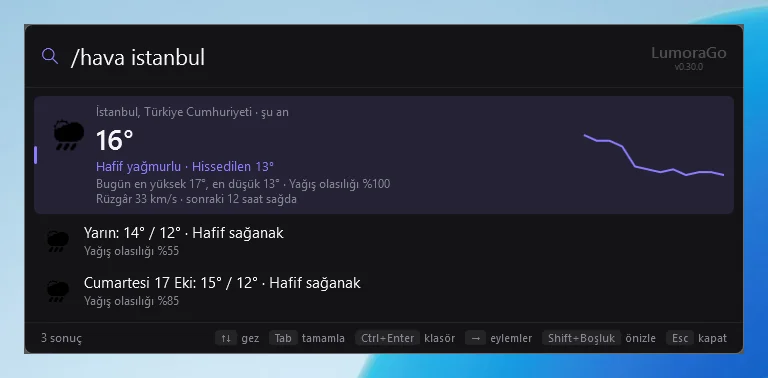
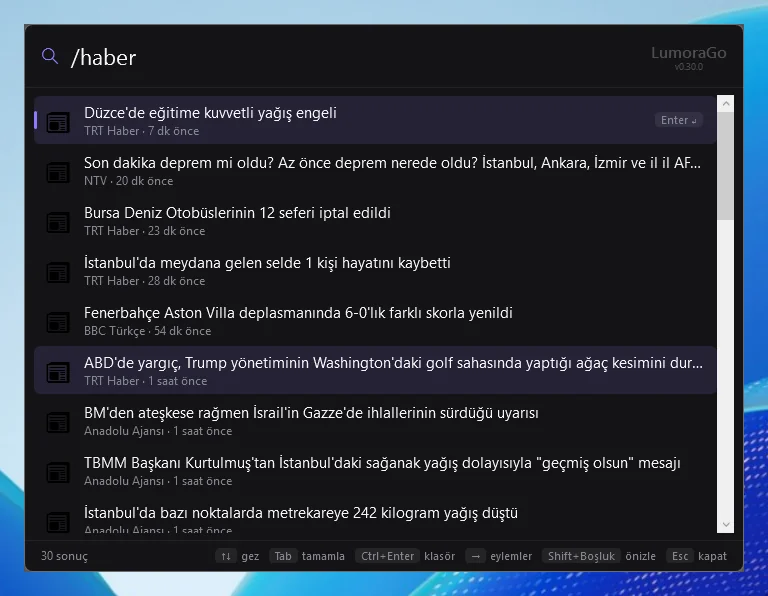
- Weather, news, prayer times, translation, movies and TV shows
- Google Contacts, Gmail, Calendar, Tasks and Drive; Ctrl+Enter on a contact opens WhatsApp
- Spotify search and playback control
- Ask Claude with ? question; summarize, translate or fix the text on the clipboard
- Clipboard history, text snippets, notes, window snapping and text from the screen (OCR)
- Light and dark themes, automatic updates, plugin support
Screenshots