Live Tool
LumoraFiles
Move files between your phone and computer on the same Wi-Fi, and turn your phone into a remote for the computer. No app install, no internet needed.
Details
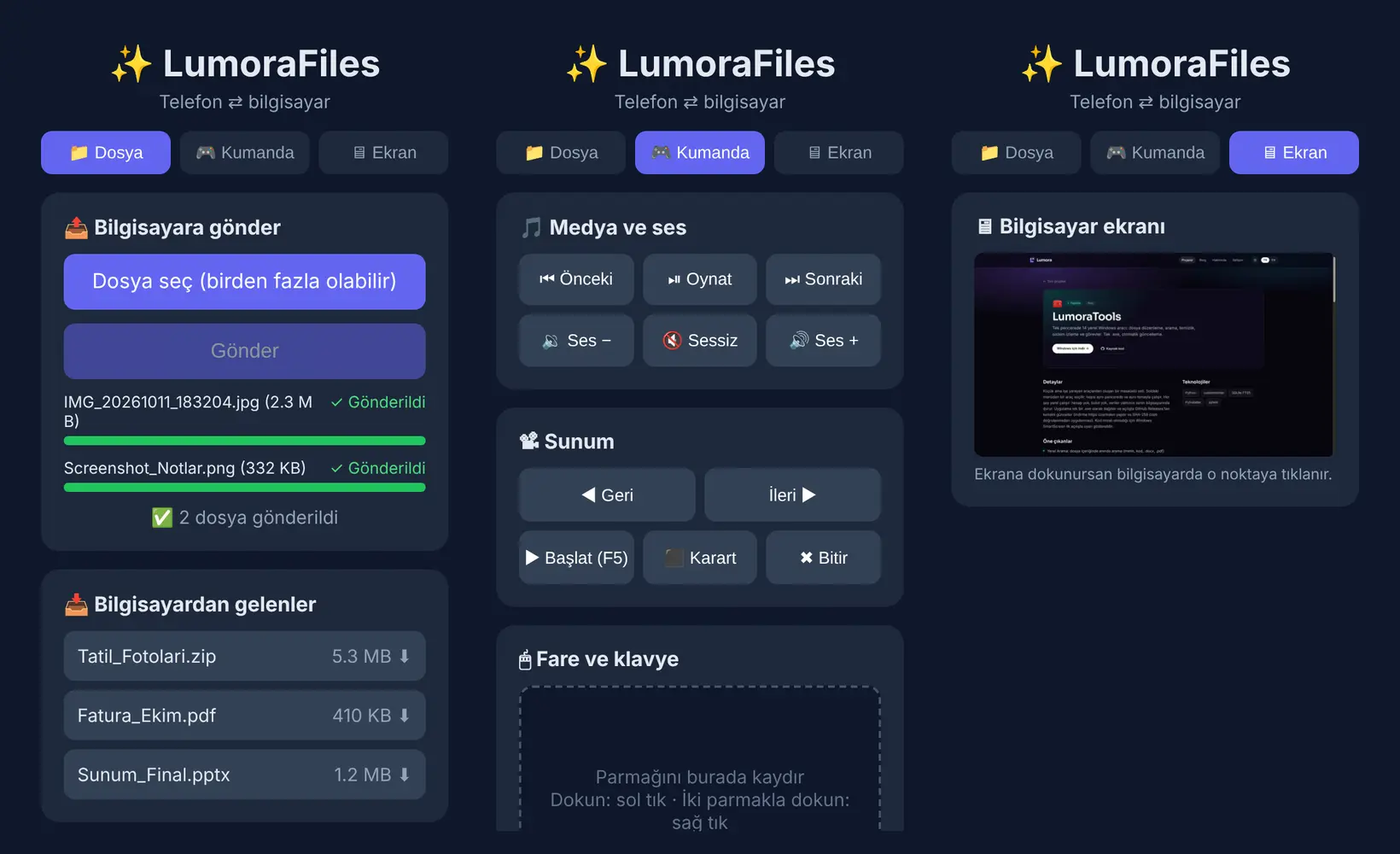
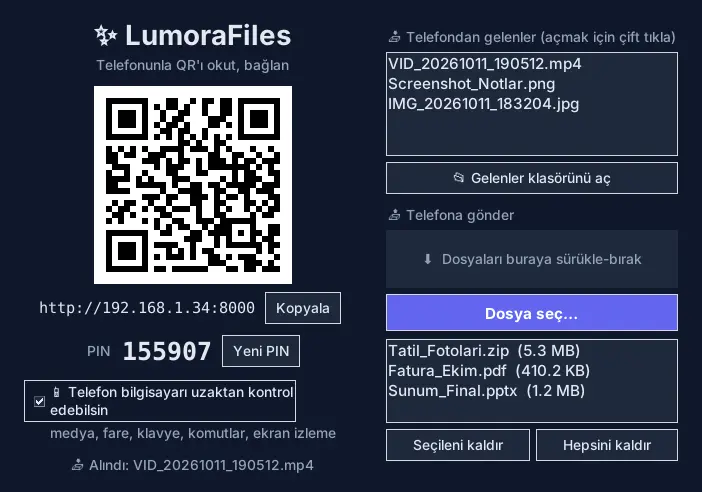
A small window opens on the computer showing a QR code, an address and a PIN. Scan the QR with your phone and a page opens in the browser: send files, download files from the computer, control volume and presentations, use the mouse and keyboard, and watch the screen live. Everything stays on your local network; no data goes to the internet. A new PIN is generated on every launch, and remote control can be switched off from the window with one click. On Windows, double-click LumoraFiles.bat and it sets itself up on first launch (requires Python 3.10+).
Highlights
- Send multiple files from phone to computer, with a progress bar per file
- Computer to phone: drag and drop files onto the window
- Media and volume remote: play/pause, next, volume up/down
- Presentation remote: next, previous, start, blank, end
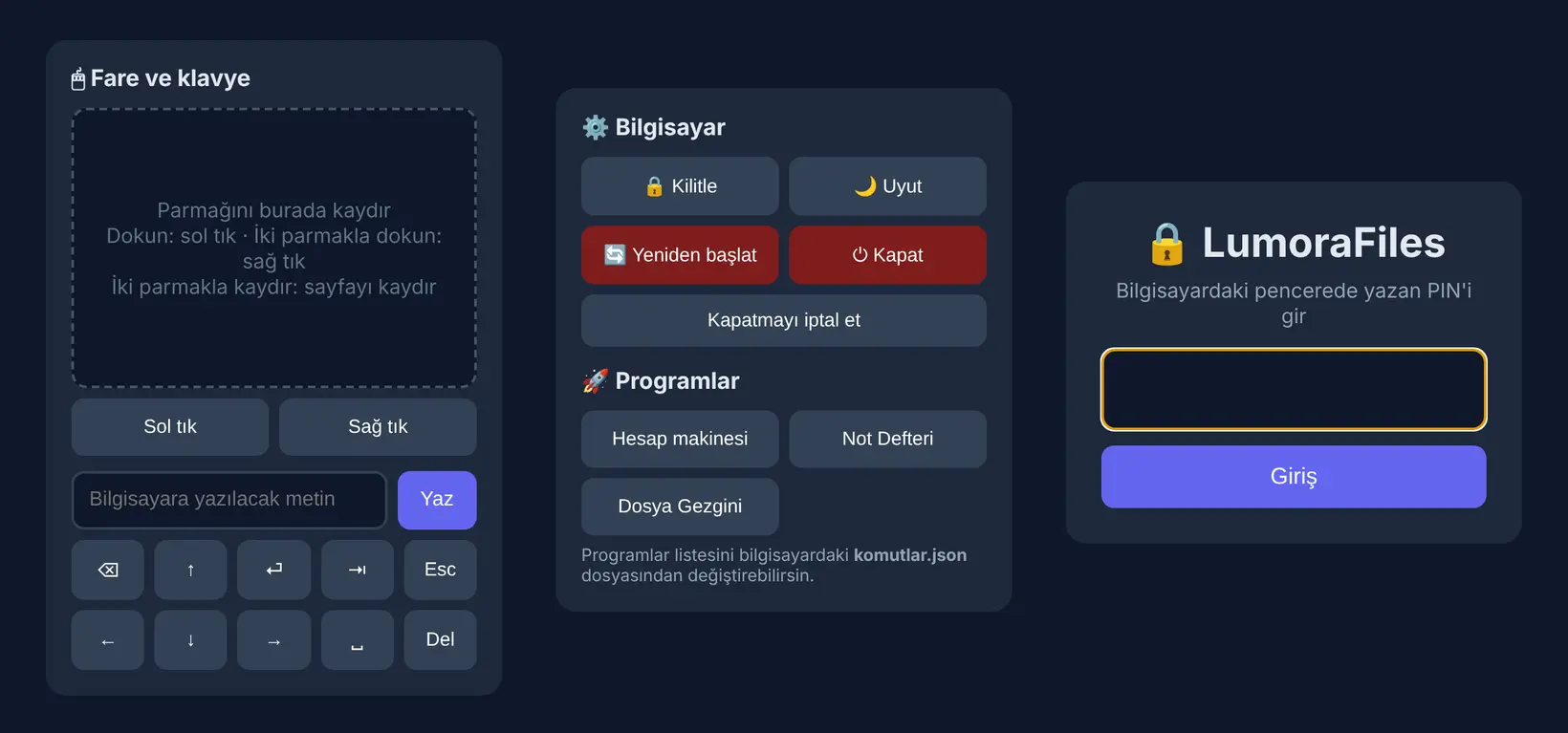
- Touchpad mouse and a keyboard with full Turkish characters
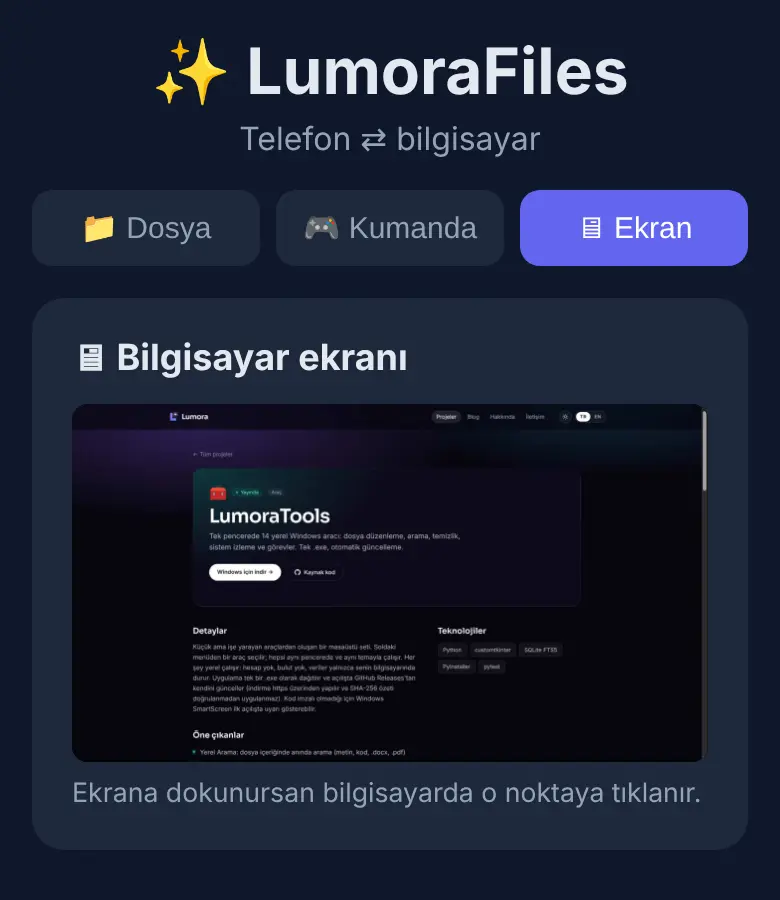
- Watch the computer screen live on your phone and tap to click
- Lock, sleep, shut down, and open programs from a list
- A new PIN on every launch, QR sign-in and a retry limit
Screenshots